
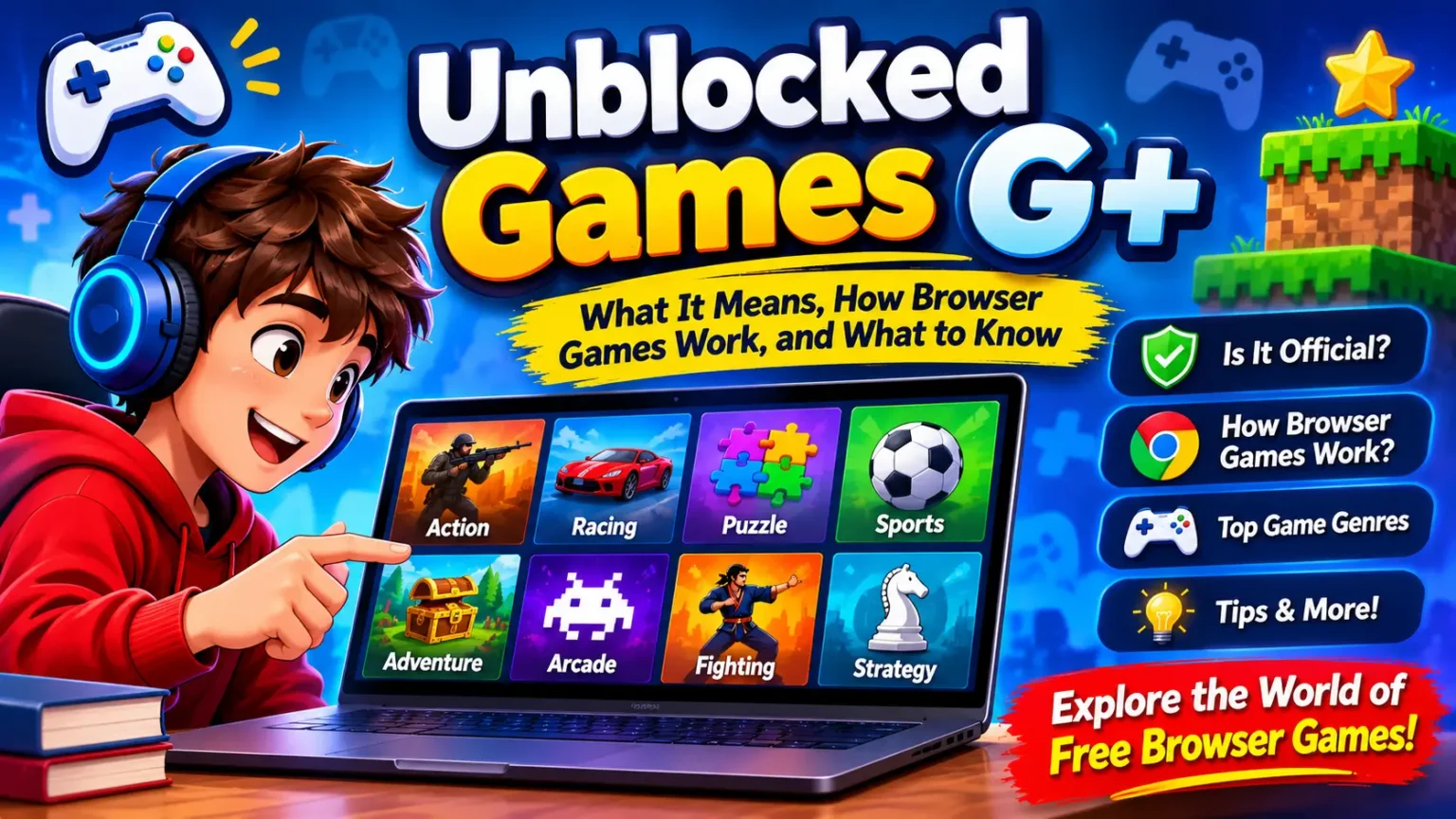
Unblocked Games G+ is a search term commonly associated with websites that collect free browser-based games. However, it does not identify one universally recognised gaming platform or prove that different websites using the G+ name have the same owner. Players should understand what the term means, how browser games work, and how to evaluate a gaming website before using it.
For gamers, the main attraction of browser games is convenience: many titles can run inside a web browser without a traditional installation. For game developers and studios, browser gaming also offers useful lessons about accessibility, performance, responsive controls, and reaching players across different devices.
If you want to discover different gaming experiences, you can also explore the Mopoga gaming collection, which features games across several genres.
What Are Unblocked Games G+?
Unblocked Games G+ is a phrase used in searches for browser-game collections and free online gaming websites. These websites may organise games into categories such as arcade, racing, puzzle, sports, action, and multiplayer.
The word unblocked usually describes the idea that a game or website is accessible on a particular network. It does not guarantee that every game will work everywhere. Access can depend on network settings, device restrictions, browser compatibility, and the website itself.
The G+ name is also not proof of an official gaming service. Different websites may use similar names while operating independently.
What Does G+ Mean in Gaming?
In this context, G+ is part of the naming used by some gaming websites and search queries. It should not automatically be interpreted as a technical standard, a gaming certification, or a Google product.
A useful distinction is:
- G+ games: A phrase associated with certain browser-game collections.
- Browser games: Games that run through a web browser.
- HTML5 games: Games and interactive experiences built using modern web technologies.
- Unblocked games: A general description of games or websites that are accessible on a particular network.
These terms are related, but they do not mean exactly the same thing.
Is Unblocked Games G+ an Official Gaming Platform?
No single official platform can be identified simply from the G+ name.
Several independent websites can use similar wording, publish different game collections, and have different privacy policies or advertising practices. Therefore, a player should check the actual website address and its publisher instead of assuming that every G+ page belongs to the same service.
For game producers, this is an important lesson about branding: a memorable name does not automatically establish ownership, trust, or a connection with another company.
Is G+ Connected to Google+?
No. The G+ wording used by gaming websites should not be confused with Google’s former social networking service, Google+.
Google officially shut down the consumer version of Google+ on April 2, 2019. The service was a social network, not a browser-game directory.
The confusion can happen because both subjects use the same short name. Some gaming pages may also be published using website-building services, but the hosting platform does not automatically make the game collection an official Google product.
For readers, the key point is simple: Unblocked Games G+ and the former Google+ social network are different things.
How Do Browser-Based Games Work?
Browser-based games run inside software such as Chrome, Firefox, Safari, or Edge. Instead of requiring a traditional desktop installation, the game loads web files and uses the browser to display graphics, process input, and play audio.
Different games use different technologies, but three important terms are HTML5, JavaScript, and WebGL.
For more information about finding and exploring browser games, visit the Mopoga gaming guide.
What Is HTML5 in Browser Gaming?
HTML5 is part of the modern web platform. It provides features that allow websites to display multimedia and interactive content.
For game creators, web technologies can make it possible to deliver a playable experience through a web page. A player may be able to open a game, read its instructions, and begin playing without installing a separate desktop application.
However, not every browser game works in exactly the same way. Some titles depend on additional technologies, external services, or specific browser capabilities.
How Does JavaScript Support Online Games?
JavaScript is a programming language widely used to make websites interactive.
In browser games, it can help manage:
- Player movement and controls.
- Game rules and scoring.
- Menus and user interfaces.
- Animations and game events.
- Communication between game components.
For example, in a simple puzzle game, JavaScript can check whether a player has selected the correct pieces and update the score when a level is completed.
What Is WebGL?
WebGL is a web technology that allows developers to create interactive 2D and 3D graphics in a browser.
It can be useful for games that need more advanced visual effects, detailed environments, or 3D scenes. However, the performance of a WebGL game depends on factors such as the device’s graphics capabilities, browser support, and how efficiently the game is built.
What Types of Games Are Commonly Found in G+ Collections?
Browser-game collections can include many genres. The actual selection depends on the website and the games it hosts or links to.
Mopoga features different gaming genres, including action, adventure, arcade, fighting, horror, puzzle, racing, sports, and strategy. You can browse the Mopoga homepage to see the games currently available.
Arcade and Casual Games
Arcade games usually focus on short rounds, simple objectives, and easy-to-understand controls.
Examples include:
- Reaction-based games.
- Endless-runner games.
- Classic arcade-inspired challenges.
- Simple platform games.
These games can be suitable for players who prefer a straightforward experience rather than a long progression system.
For a real example, explore City Racing on now Mopoga, which is listed in the Arcade category and combines driving with exploration and vehicle upgrades.
Puzzle and Strategy Games
Puzzle games focus on solving problems, recognising patterns, and making decisions.
Common examples include:
- Matching puzzles.
- Logic games.
- Number challenges.
- Turn-based strategy games.
These genres can also teach developers how to introduce rules gradually and communicate objectives clearly.
Players interested in trying a different type of browser game can explore the Mopoga game collection for available puzzle and strategy experiences.
Racing and Sports Games
Racing games often focus on timing, steering, and completing courses. Sports games may simulate familiar activities through simplified controls and scoring systems.
A browser racing game, for example, might use keyboard controls on a computer and touch controls on a mobile device. The quality of that experience depends on how well the developer adapts the controls.
You can see an example in 100-Meter Race on Mopoga, a sprint game that focuses on timing and quick reactions.
Multiplayer and Two-Player Games
Some browser games allow two players to compete or cooperate. Others may include online multiplayer features.
Before using a multiplayer game, check whether it includes public chat, user-generated content, external links, or account requirements. These features can affect privacy and the overall experience.
What Should You Check Before Using a Browser-Game Website?
A website being accessible does not automatically mean it is safe, reliable, or suitable for every player. A few simple checks can help you make a more informed decision.
1. Check the Website Address
Look carefully at the full domain name. Similar-looking website names do not necessarily belong to the same publisher.
Check whether the website provides clear information about who operates it, how to contact the publisher, and what its policies cover.
You can learn more about Mopoga’s website and purpose through its About Us page.
2. Review Privacy and Permissions
A basic browser game should not normally need access to unrelated personal information.
Be cautious if a website unexpectedly asks you to:
- Sign in with a personal or school account.
- Install an unfamiliar browser extension.
- Download an unknown file.
- Allow notifications without a clear reason.
- Share personal information that is unrelated to gameplay.
If a request seems unnecessary, do not approve it.
3. Understand Advertisements and External Links
Some free gaming websites use advertising to support their content. However, advertisements and external links can vary in quality.
Avoid confusing an advertisement with the actual game button. If a page displays unexpected download prompts, misleading warnings, or suspicious pop-ups, leave the page.
You can also use Google’s Safe Browsing Site Status tool to check whether Google currently identifies a website as dangerous. A clean result is not a guarantee that a website is completely safe, so it should be only one part of your assessment.
4. Respect School and Workplace Rules
The word “unblocked” does not mean that a website is permitted on every network.
Schools and workplaces may apply their own rules to internet access and device use. Players should follow the policies that apply to their devices and networks rather than trying to get around restrictions.
Why Do Some Browser Games Fail to Load?
A browser game may fail to open for several reasons. The problem is not always the game itself.
Common causes include:
Browser compatibility: Some games depend on features that may not work properly in an older browser.
Slow internet connection: Large game files and external resources can take time to load.
Device limitations: A game with detailed graphics may not perform well on a device with limited processing or graphics capabilities.
Website problems: The game host or an external service may be temporarily unavailable.
Network restrictions: A school, workplace, or other network may restrict access to particular websites or services.
What Can Players Do When a Game Does Not Load?
Start with basic, safe checks:
- Confirm that your internet connection is working.
- Make sure your browser is up to date.
- Reload the page once.
- Check whether the game publisher has reported a service issue.
- Try another title from a reputable gaming website if the original game remains unavailable.
If the website is restricted by a school or workplace, follow its access policy rather than attempting to bypass the restriction.
For more practical help with common gaming questions, you can also visit Mopoga FAQs.
What Can Game Developers Learn From Browser Gaming?
Browser gaming is not only interesting for players. It also offers useful lessons for independent developers, publishers, and game studios.
A game that runs inside a browser must make a good first impression. Players may leave if the game takes too long to load, controls are confusing, or the interface does not fit their screen.
Here are some areas developers should consider.
1. Make the First Few Seconds Clear
Players should understand the game’s objective without reading a long explanation.
Use a clear start button, simple instructions, and visible controls. If a game has special mechanics, introduce them gradually.
2. Optimise Loading Performance
Large files and unnecessary visual effects can slow down a browser game.
Developers can improve the experience by:
- Compressing suitable image and audio assets.
- Avoiding unnecessary scripts.
- Loading resources efficiently.
- Testing performance on different devices.
- Monitoring loading errors.
A lightweight game is not automatically a good game, but performance is an important part of accessibility.
3. Design for Different Screen Sizes
A browser game may be opened on a desktop computer, laptop, tablet, or smartphone.
Responsive design helps the interface adapt to different screen sizes. Developers should test button sizes, menus, text, and gameplay areas rather than assuming that a desktop layout will work perfectly on mobile.
4. Make Controls Easy to Understand
Players should know whether a game uses a keyboard, mouse, touchscreen, or controller.
A short controls guide can prevent confusion. Developers should also consider alternative input methods where practical.
5. Treat Privacy as Part of Game Quality
Players should be able to understand what information a game collects and why.
Developers and studios should explain account requirements, analytics, advertising, and data practices clearly. Avoid asking for information that is not needed for the experience.
Mopoga explains its own publishing standards in its Editorial Policy, which provides additional information about its approach to gaming content.
6. Test Before Publishing
A game should be tested in more than one browser and on more than one device where possible.
A useful testing checklist includes:
- Does the game start correctly?
- Are the controls responsive?
- Can players understand the objective?
- Does the interface fit smaller screens?
- Are there broken links or missing assets?
- Are error messages clear?
- Are privacy and advertising disclosures easy to find?
These checks can improve the experience for players and reduce avoidable support problems.
Frequently Asked Questions About Unblocked Games G+
What are Unblocked Games G+?
Unblocked Games G+ is a search phrase associated with browser-game collections. It does not identify one universally recognised official gaming platform.
Is Unblocked Games G+ an official Google product?
No. The G+ wording does not establish a connection with Google or indicate that Google operates the gaming website.
Is G+ the same as Google+?
No. Google+ was Google’s former social networking service. Google shut down its consumer version on April 2, 2019.
Are G+ games browser-based?
Many websites associated with this search phrase offer browser-based games. However, the technology and hosting arrangements can differ from one website or game to another.
Do browser games require downloads?
Some browser games can run directly in a web browser without a traditional installation. Other games may require additional components or use external services. Check the individual game’s requirements.
Why does a browser game sometimes fail to load?
Possible reasons include an outdated browser, a slow connection, device limitations, unavailable game files, or network restrictions.
Can browser games work on Chromebooks?
Many browser games can run on Chromebooks if they are compatible with the device’s browser and available hardware. Performance and access can vary between games.
Are all websites using the G+ name connected?
No. Similar names do not prove common ownership. Check each website’s publisher, domain, privacy information, and game sources separately.
What should players check before using a browser-game website?
Check the website address, privacy policy, permissions, advertisements, external links, and any unexpected download or sign-in requests.
What can game developers learn from browser gaming?
Browser gaming highlights the importance of fast loading, clear instructions, responsive controls, device compatibility, accessible interfaces, and transparent privacy practices.
Final Thoughts
Unblocked Games G+ is best understood as a search term associated with browser-game collections, not as the name of one verified official gaming service. The distinction matters because different websites can use similar names while offering different games, policies, and experiences.
For players, the most useful approach is to evaluate the actual website, understand its permissions, and respect the rules of the network they use. For developers and game studios, browser gaming demonstrates how performance, accessibility, responsive design, and clear communication can make games easier to enjoy.
At Mopoga, exploring gaming genres and understanding how online games work can help players discover new experiences while giving developers ideas for building better games.